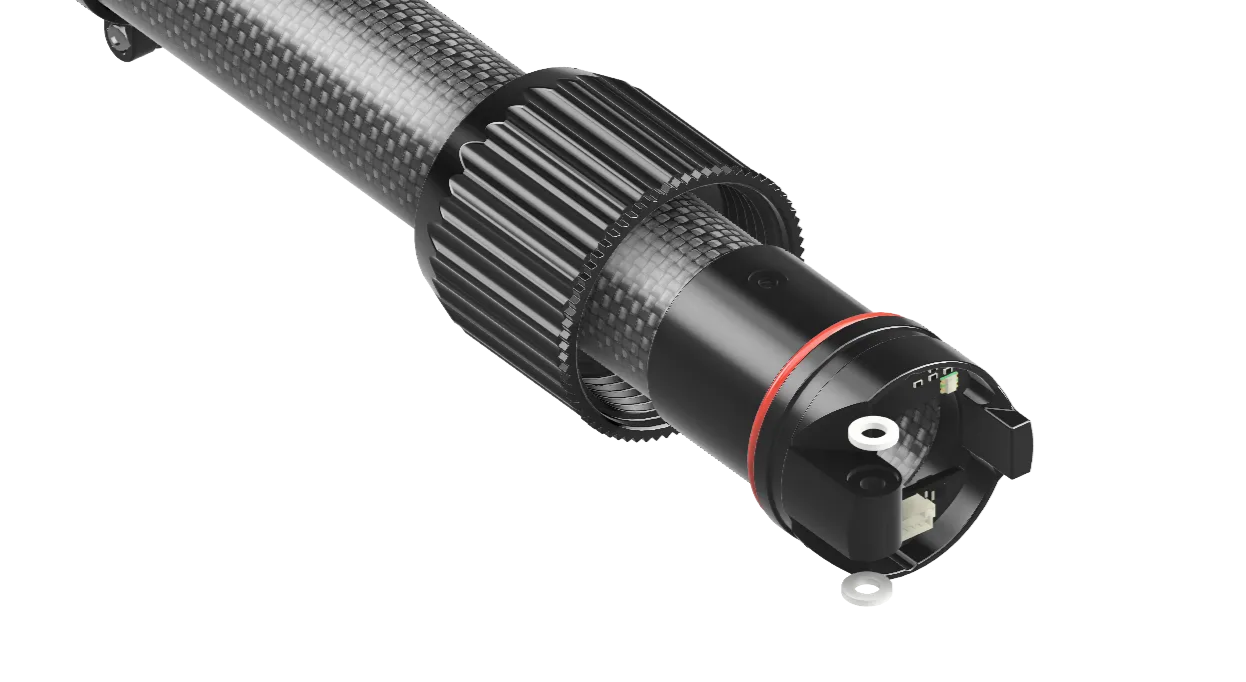
Replacing an arm
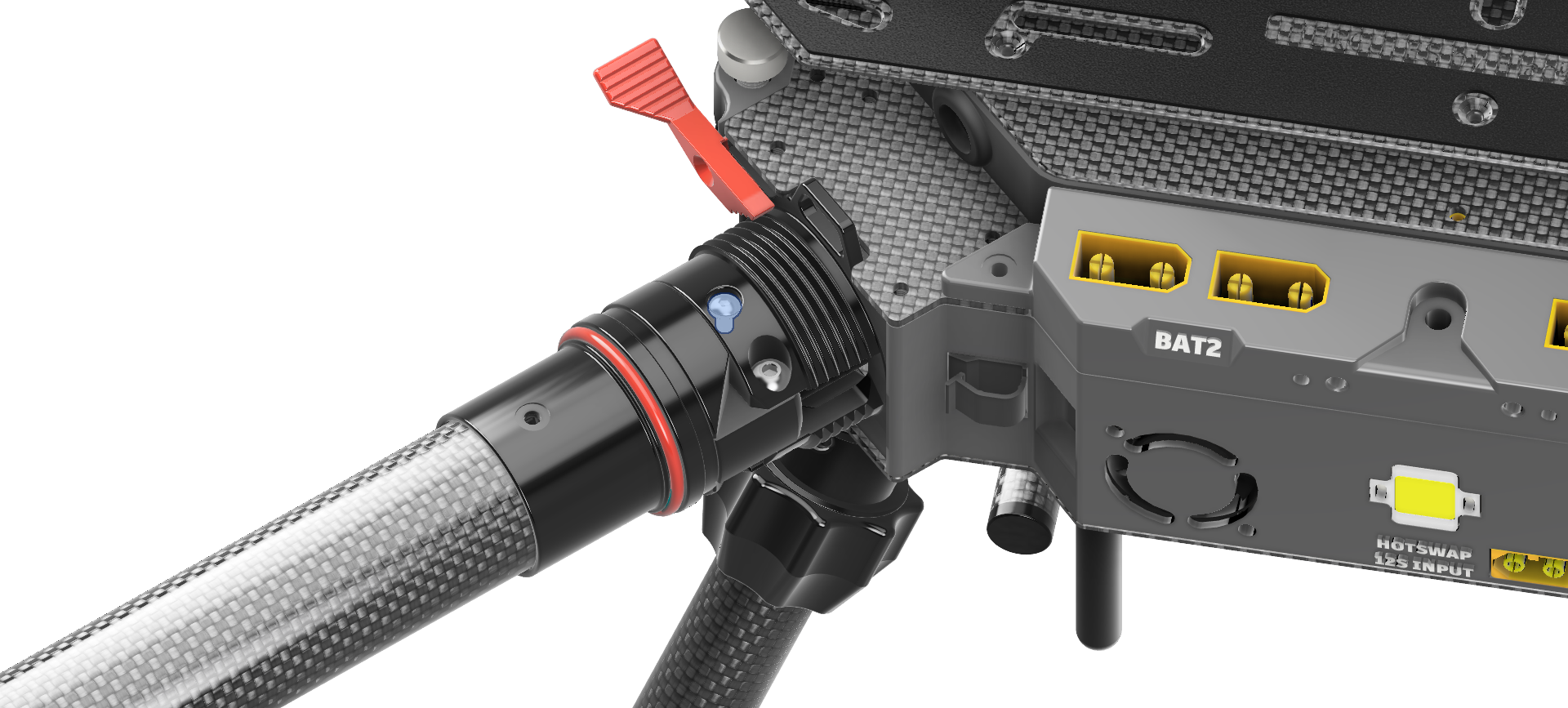
1. Remove security screw
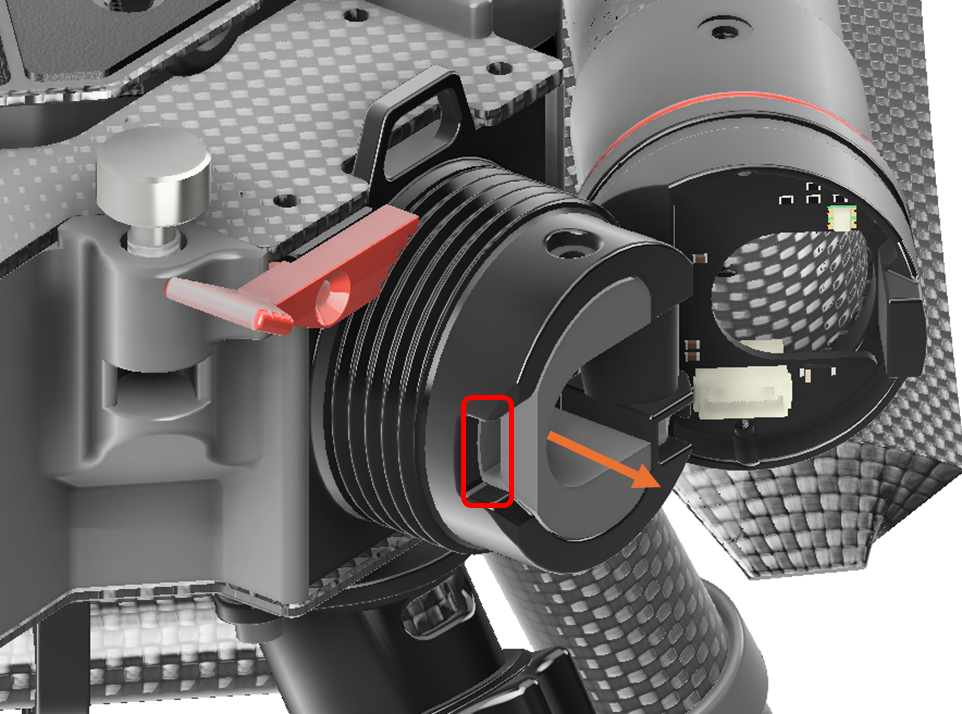
2. Remove the Cable locker
You can use the notch to insert a flat screwdriver for easy disassembling
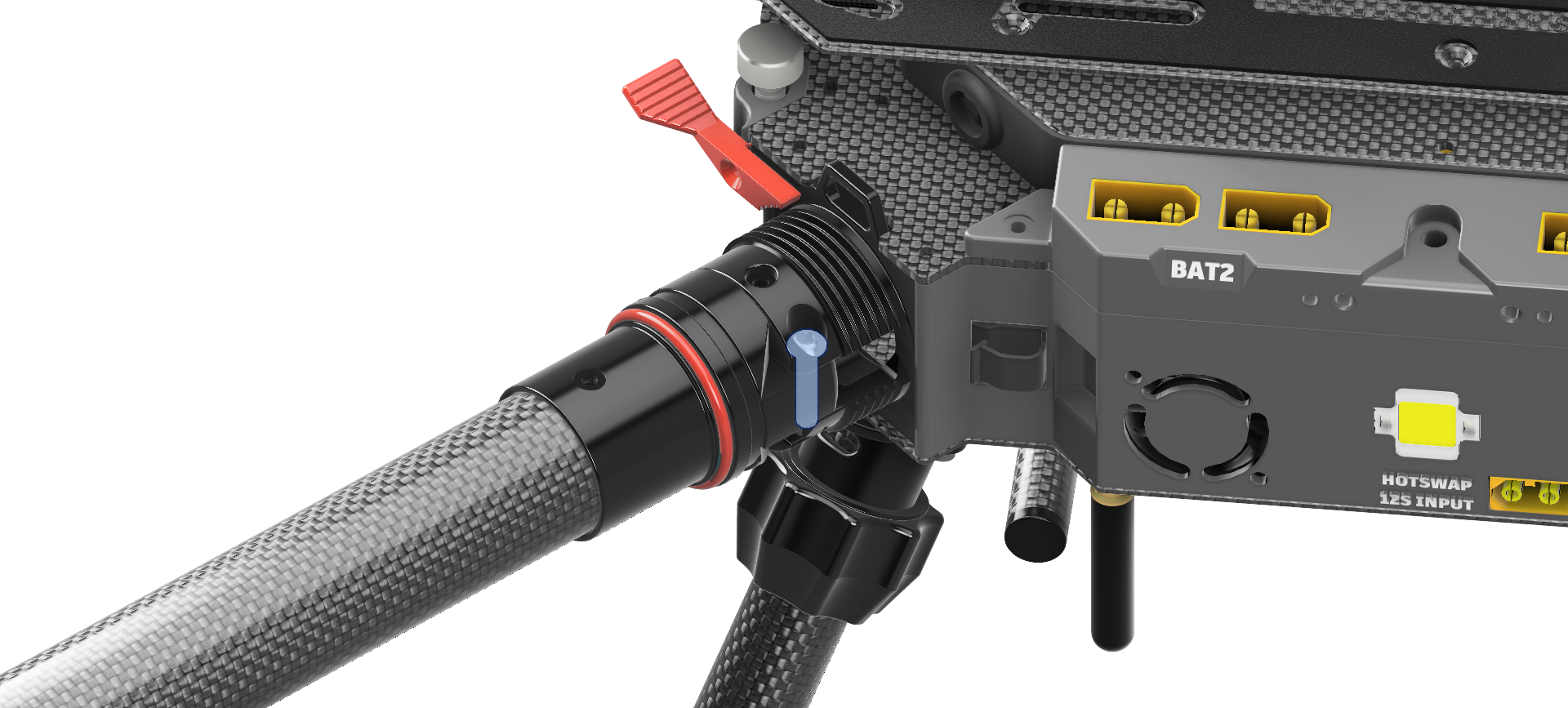
3. Remove M4 arm screw.
Remove pin and detach the arm from the central frame.
4. Unplug the motor cable
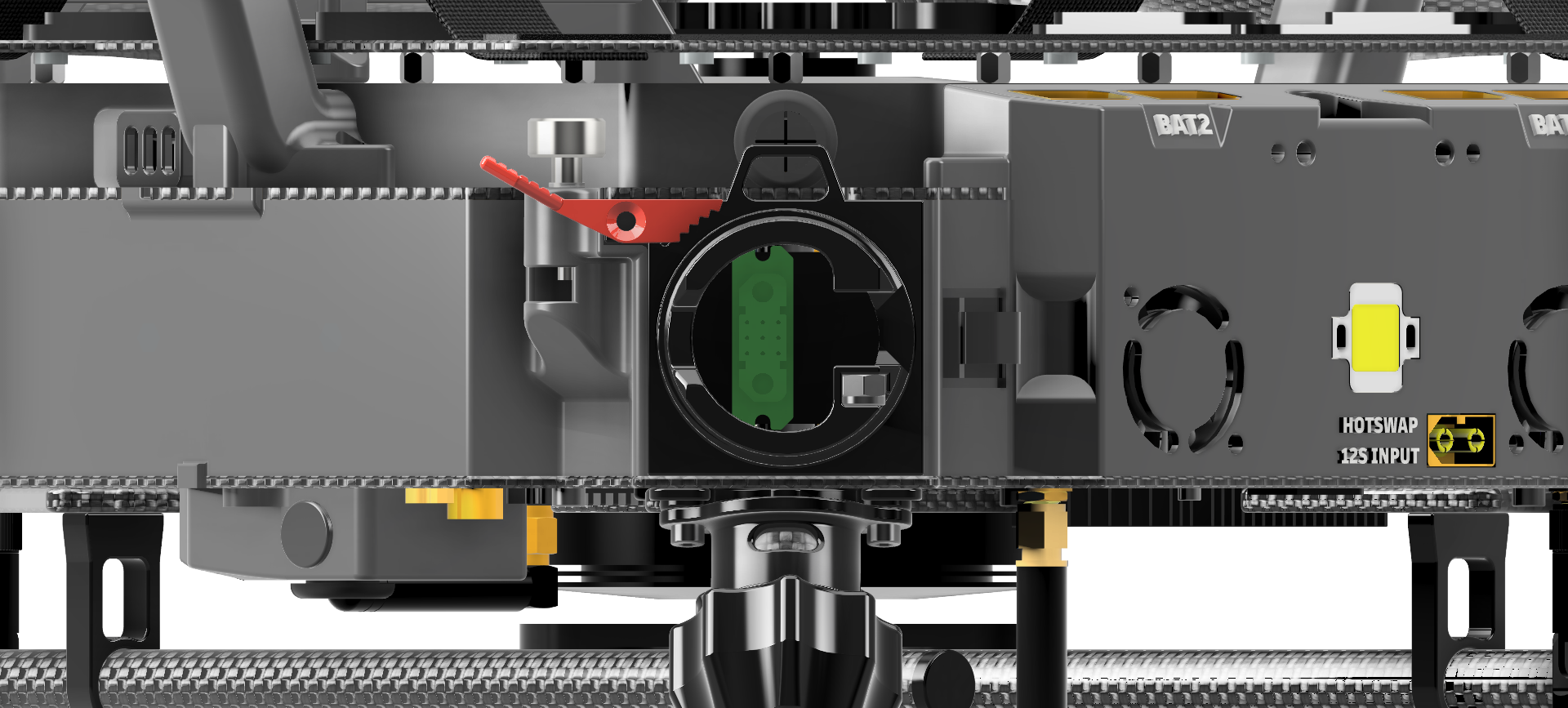
Each arm has a single cable which connects the motors with the Drone via a JX9 connector placed inside the Drone.
To finally detach the arm from Drone, you need to unplug this cable.
5.
When installing back the arm, make sure to use the plastic washer, if they are damaged, replace them for new one